What Are C2PA Content Credentials and What Do They Actually Prove?
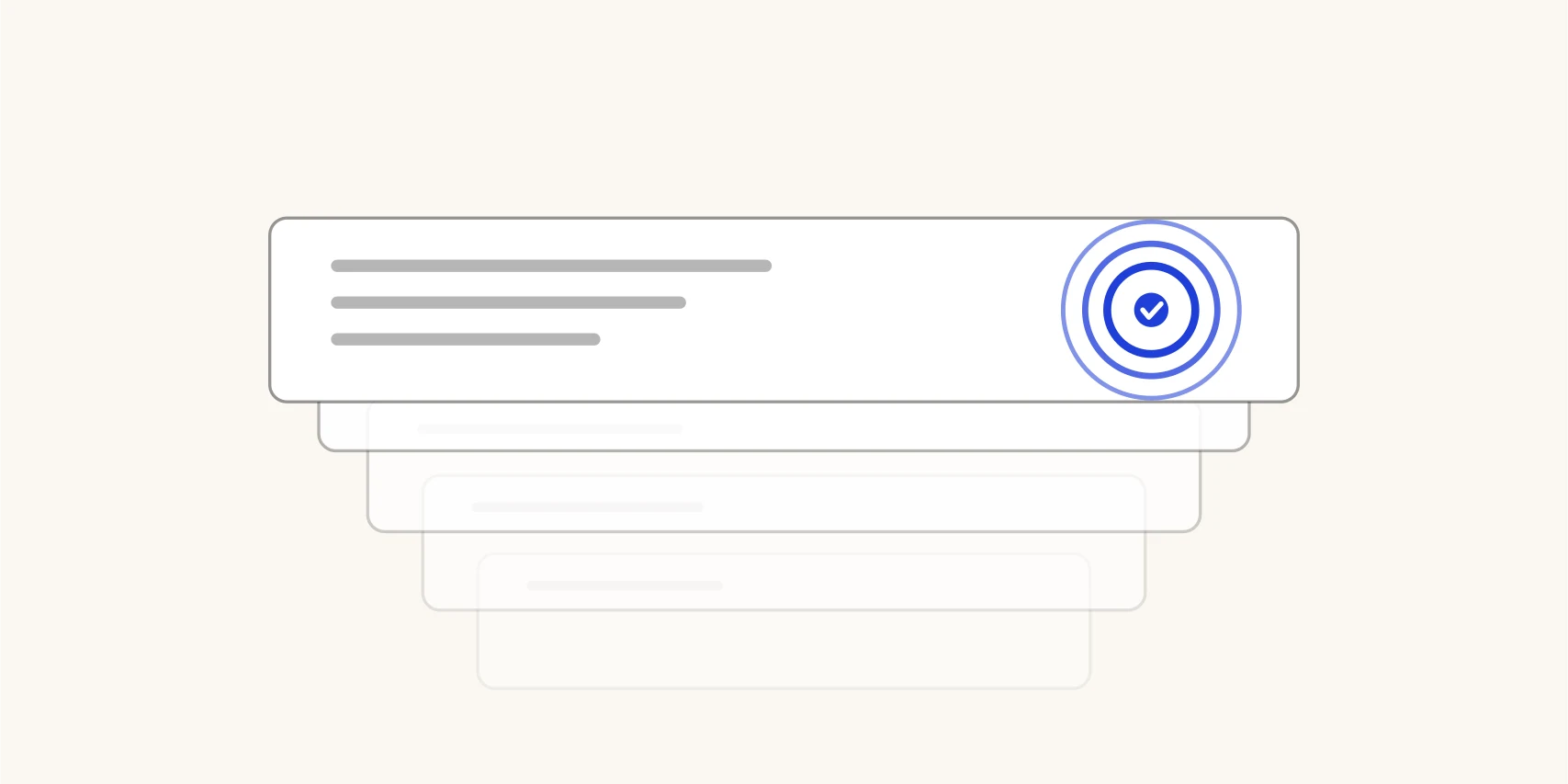
C2PA is quietly becoming the connective tissue of content authenticity: Anthropic signs files Claude generates, OpenAI attaches credentials to every ChatGPT image, Adobe ships them across Creative Cloud, and the Pixel 10 signs photos in its native camera app. Yet most explanations either oversell it (“proof of authenticity!”) or dismiss it (“metadata can be stripped, so it’s useless”). Both miss how it actually works.
The nutrition label model
The Coalition for Content Provenance and Authenticity (C2PA) defines a standard for attaching a manifest to a media file. The manifest can record:
- who signed it (a certificate, like HTTPS for files);
- what tool created the content (the “claim generator” — an AI model, a camera, an editor);
- how it originated — the digital source type, with an explicit vocabulary term
for AI content:
trainedAlgorithmicMedia; - what was done — an action history: created, opened, edited, color-corrected;
- what went in — “ingredients”, i.e. source files, each possibly carrying its own credentials, forming a provenance chain.
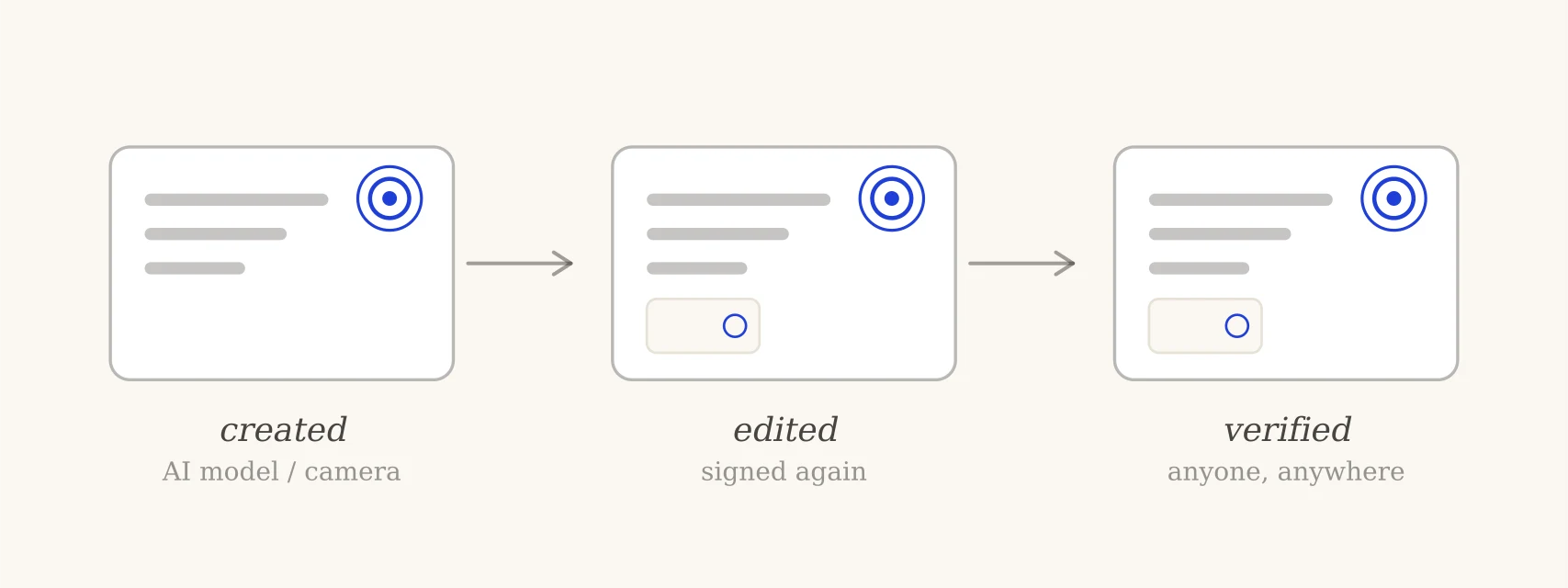
The whole record is bound to the exact bytes of the file with cryptographic hashes and signed. That construction is what gives C2PA its two honest superpowers:
- Any tampering is visible. Change one pixel and the signature no longer validates against the file. You can’t quietly edit a credentialed image and keep its credential.
- Anyone can verify it. It’s an open standard with open-source tooling — the checker on this site runs the official Content Authenticity Initiative engine in your browser, no upload needed.
What a valid credential proves — precisely
When the signature validates, you know: this provenance record was made by the holder of this certificate, and the file has not been modified since it was signed. If the record says “generated by Claude, source type: trained algorithmic media”, you have a signed, checkable statement from the generator — categorically stronger than any AI-detector guess.
Note what that sentence does not contain. The credential proves the record is authentic — not that the record tells the whole story. A signed “created with Photoshop” says nothing about what happened before the file entered Photoshop. Reading a credential means reading what it claims, then trusting the signer about exactly that much.
What a missing credential proves: nothing
This is the limitation that matters most in practice. Credentials are metadata, and metadata dies constantly and innocently:
- screenshots produce a fresh, credential-less file;
- most social platforms strip or re-encode metadata on upload;
- ordinary editors that don’t support C2PA discard it on save;
- and the overwhelming majority of images ever made never had credentials at all.
So “no Content Credentials found” means exactly that — not “human-made”, not “never touched AI”. Any tool that renders a missing manifest as “NOT AI” is misleading you. (Ours says so in the result itself.)
Stripped metadata vs surviving watermarks
C2PA’s fragility is a design choice, not a flaw — a broken signature is informative. For survival through hostile handling, providers pair credentials with invisible watermarks like SynthID, which live in the pixels and survive moderate edits but are verifiable only by the provider. The two layers cover each other’s weaknesses, which is why OpenAI ships both in every ChatGPT image and why Google now verifies both in Gemini.
Verify one yourself
Drop any image into the C2PA checker — a ChatGPT image, an Adobe Firefly export, a Pixel 10 photo. You’ll see the signature state (Trusted / Valid / Invalid), the signer, the claim generator, the declared source type and the recorded history, plus the full raw manifest if you want to go deep. Everything stays in your browser, per our methodology.